Platform modules
Modules inside the online exam platform
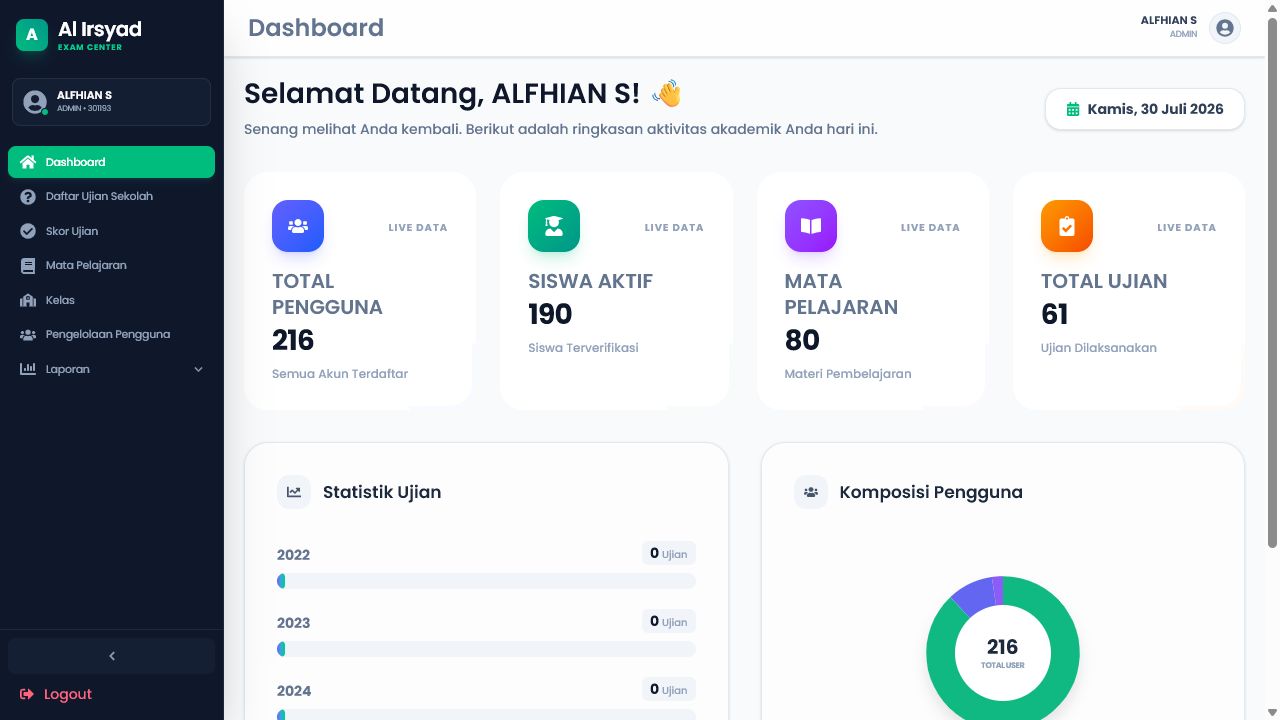
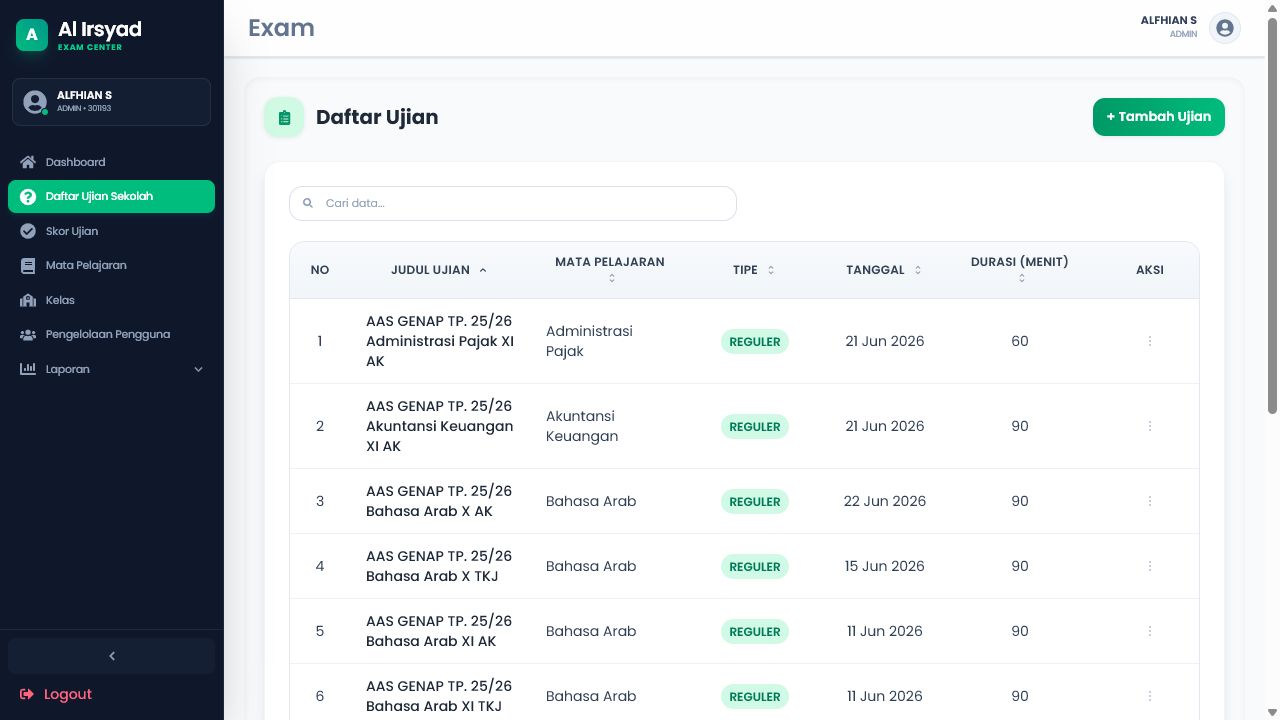
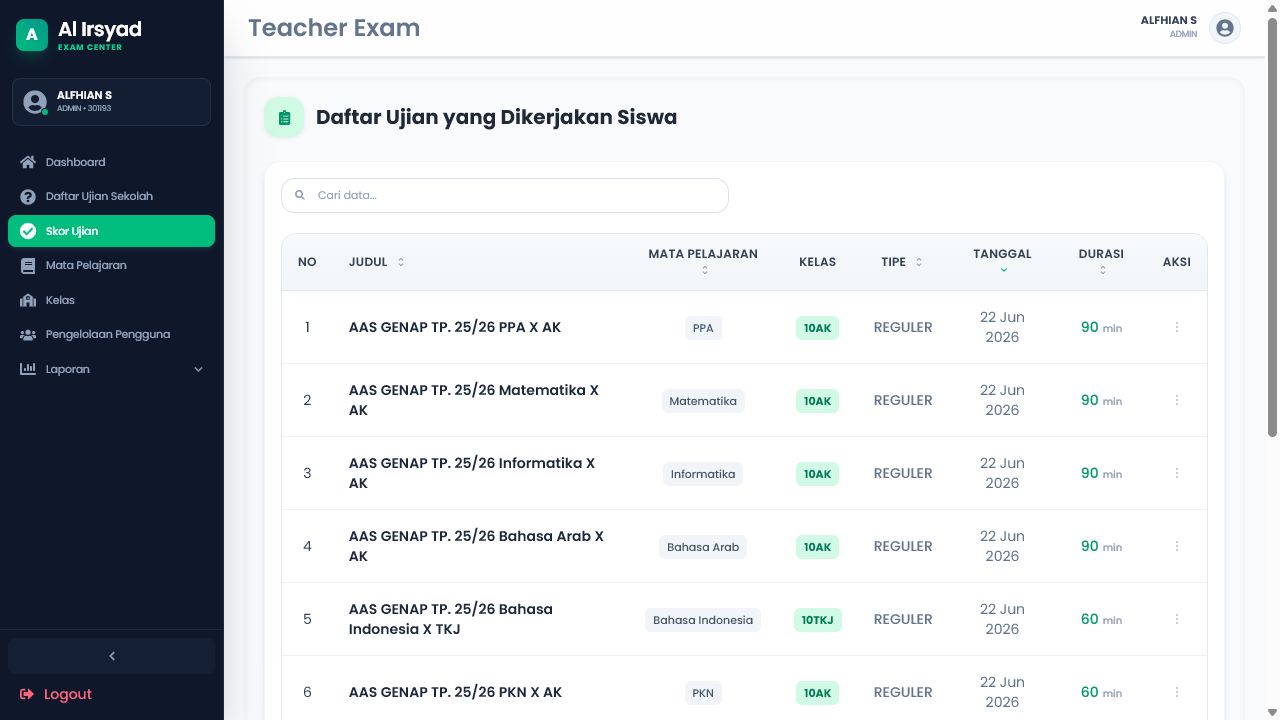
Each module supports the complete assessment flow: prepare exams, supervise sessions, score answers, and export academic reports.
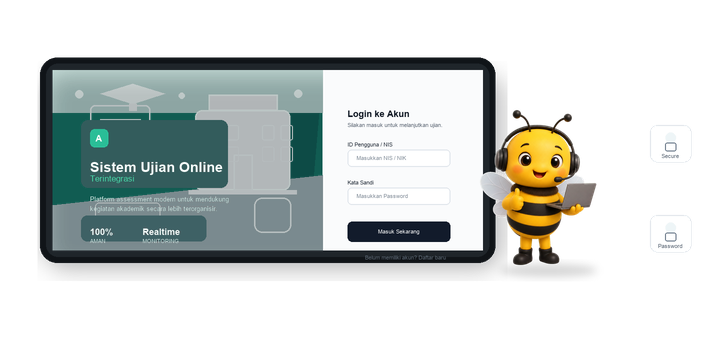
Role-Based Access
Admin, teacher, and student accounts see different menus and workflows. Admins manage users, subjects, classes, exams, scoring, and reports; teachers manage exams, questions, scoring, and reports; students take exams and view submissions.
Exam Management
Admins and teachers can create regular or remedial exams, set subject, class, date, duration, and assign selected students to remedial exams when needed.
Questionnaire Builder
Exam creators can manage multiple choice and essay questions, order questions, define answer options, mark correct answers, and support rich text or formula-heavy question content.
Student Exam Session
Students see exams available for the day, start a timed online session, answer questions in fullscreen, and submit their answers to the backend. The system prevents repeat submissions for the same exam.
Proctoring Signals
Exam sessions request camera access and record the student's webcam video throughout the exam. Leaving, switching away from, or closing the exam tab is logged as a violation; after three violations, the session can be automatically disqualified.
Teacher Scoring
Teachers review each submission, mark answers correct or incorrect, score essay answers from 0 to 100, and calculate final scores using multiple-choice and essay weights.
Academic Reports
Reports cover exam performance, submission lists, subject summaries, and student score summaries, with filters for date range, subject, and exam type plus CSV and Excel export.
NestJS Backend
The backend uses NestJS, JWT role guards, Supabase/PostgreSQL storage, TypeORM migrations, exam session APIs, video upload handling, submission services, reports, and load-test support.